Software, Done.
Whether you need help building a website from the ground up, or have a project that needs an extra push to make it to the deadline - we can help!
Excellent software solutions require a solid foundation. For every client engagement we start by applying expert assessment to your specific business challenges, and build custom systems which fit your particular needs best. That way we are able to create maximum value most efficiently.
We have over 15 years of expertiese handling complex challanges of all kinds. Example projects include:
The question is not what you look at, but what you see.
One solution doesn't fit all, and a forgone conclusion may just lead you down a rabbit hole. When your technology needs an impartial review and professional assessment - we can help!
We bring over 20 years of experience to the table, yet we approach each challenge with a clear mind and a fresh perspective. We can help you unravel technology issues, leverage existing technology investments, and invent new ways to meet those challenges. We help you generate the besst strategy to execute on your vision and drive value.
Contact us now to learn more about what we do and how we can help.
How do you master the skills necessary to build modern software that rocks?
Our expert training classes offer you and your team hands-on expert-led courses that get you up to speed and productive in no time!
Drawing on deep knowledge and experience in the specific technologies, our instructors help your examine, learn, and adopt best practices and techniques - helping your ramp up quickly and get productive right away.
We offer tailored courses to suit your need, specializing in:
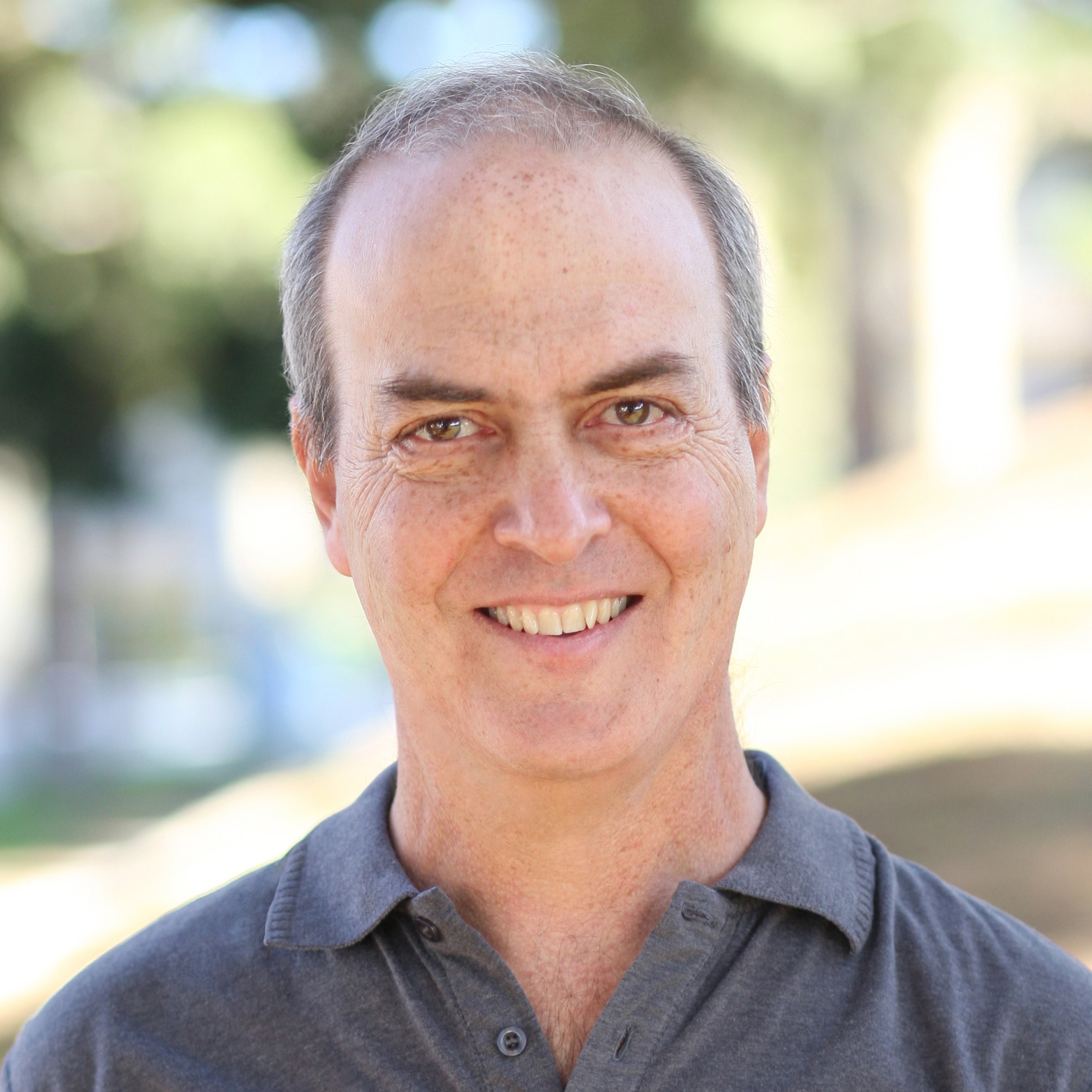
Results-driven, award-winning strategic software professional with a proven record of helping businesses identify technology needs and trends and creating viable solutions to support vision and business strategy. Extensive experience leading projects from idea to completion, increasing efficiency, maintainability, scale and value.
With a passion for staying at the forefront of the tech-driven revolution, thrives on solving the big problems by inventing solutions that push the envelope. Takes pride in teaching new and complex technology through speaking engagements, conferences, authorship, course publication and hands-on in-house team training.
Also enjoys community mentoring at workshops, code camps, meetups, and coaching middle and high school robotics teams.
We use cookies to personalise content, to allow you to contact us, to provide social media features and to analyse our site usage. Information about your use of our site may be combined by our analytics partners with other information that you’ve provided to them or that they’ve collected from your use of their services. You consent to our cookies if you continue to use our website.